Summing up
After the consideration of applications is completed, the auction switches to the “Summary” status results."If, in accordance with the tender settings of the consideration stage there were no bids, then the auction will switch to the “Summary” status after completion of applications.
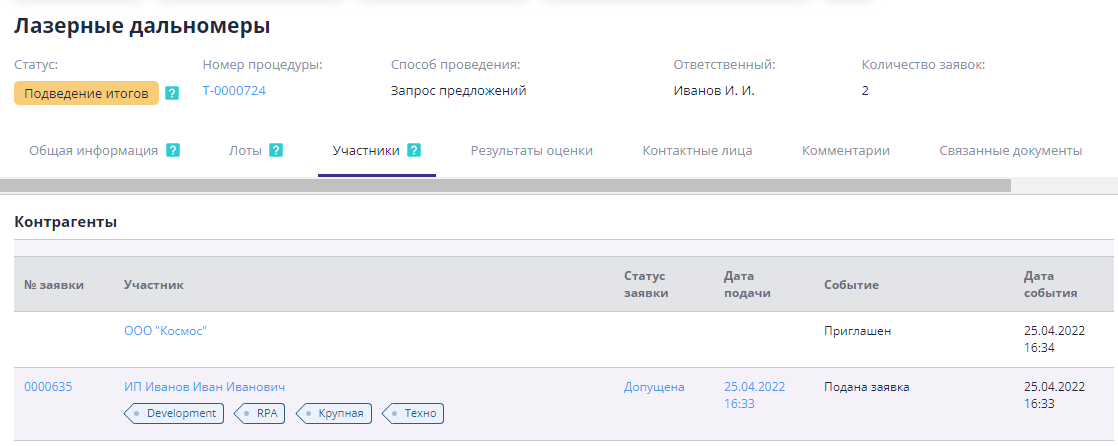
During the debriefing stage, several options for continuation are available. work on the trading procedure:
-
Announcement of rebidding for the lot - proposal to participants to improve your commercial offers for trading.
-
Selection of the winner and summing up the results of the auction - determination winner or completion of the auction without his selection, publication of the results bidding
Let's look at each of these options in more detail.
Conducting rebidding between participants
If, when summing up the trading results, it was not possible to identify a clear leader for commercial proposals, a procedure is carried out among the participants rebidding.During the rebidding, participants are invited to improve their proposal based on any criteria.
There are several types of rebidding in the system.Set of views overbidding depends on the configuration of the site.
-
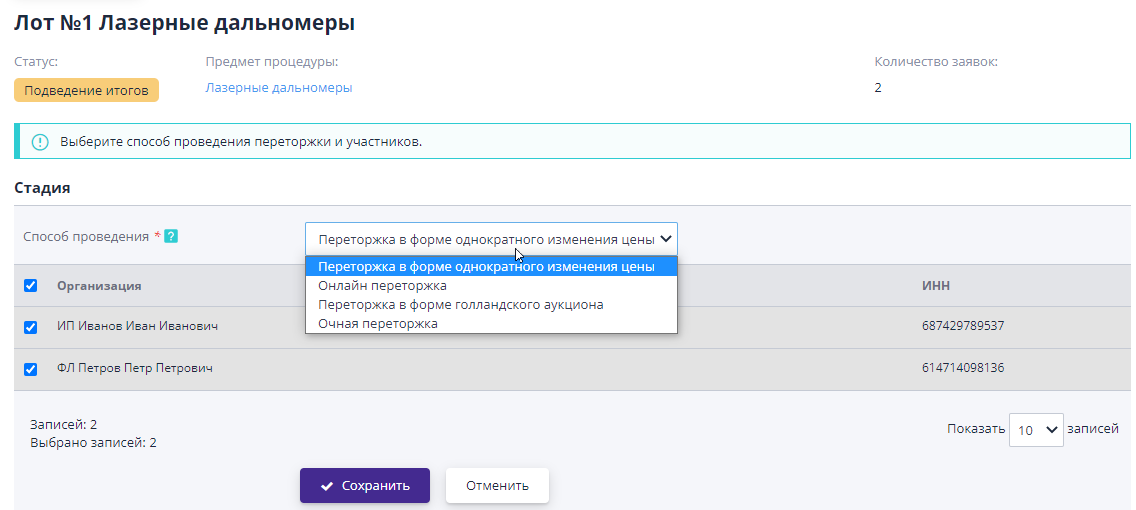
Online rebidding - rebidding with an open price submission form proposals during the auction.Participants have the opportunity to reduce their proposal in accordance with the setting for applying the rebidding step.
-
Rebidding in the form of a one-time price change - carried out in form of one-time submission of applications for participation in re-auction, with improving your price offer.
-
In-person rebidding - rebidding is carried out off-site, in Only the results of the re-auction are entered into the system.
-
Rebidding in the form of a Dutch auction - rebidding with open form of submitting a price proposal, by submitting offers at price intervals specified by the auction organizer.
If the participant did not improve his offer in the rebidding, then summing up, the proposal submitted by him as part of the applications at the main stage of bidding, or at the stage of another rebidding, if this was the case before.
Rebidding is carried out for each lot separately.To carry it out you need to select a lot and click on the button on the viewing page "Announce a new stage":
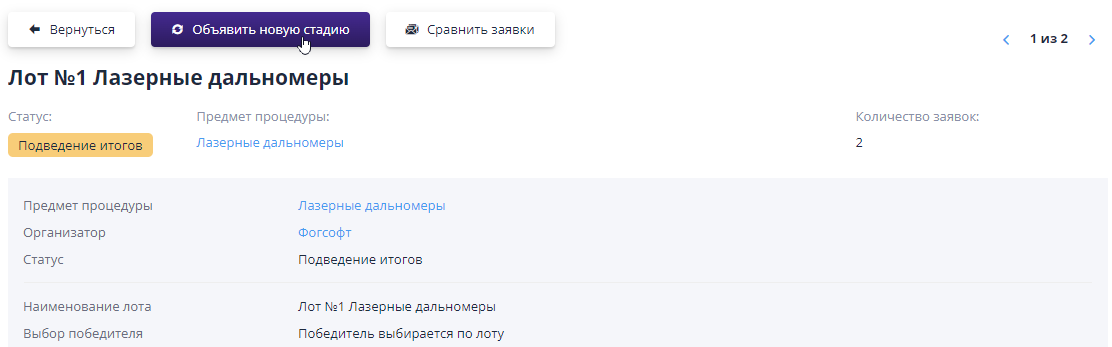
A page will open to select the method of conducting the planned re-auction: in-person, online, re-auction in the form of a Dutch auction or rebidding with a one-time price change.Next you need to select participants among whom it will be held.Participate in re-auctions can only be carried out by those participants whose applications for this lot were admitted at the main stage of trading.
After saving the information, a rebidding project will be created.
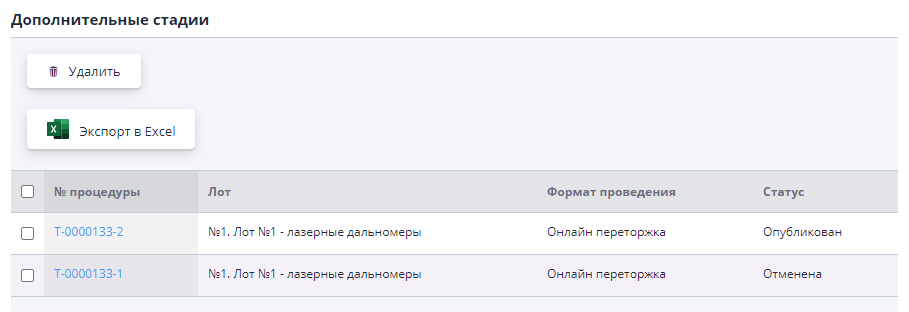
The created project can be found on the lot page in the “Additional” section stages."In the “Draft” status, any additional stage can be deleted by button of the same name.After publication, only available for rebidding cancellation with mandatory indication of the reason.
Let’s take a closer look at the creation and implementation of each type of rebidding in the section "Conducting rebidding".